
 AskAIs
Available
iPhone, iPad & Mac
On the App Store
Install it from the App Store. It updates like any other app.
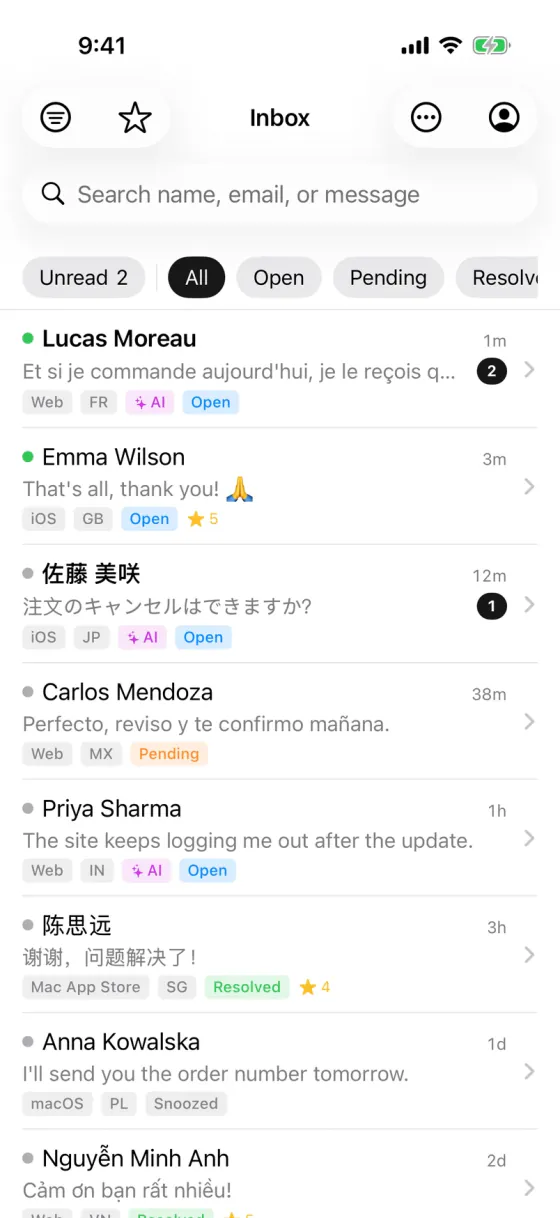
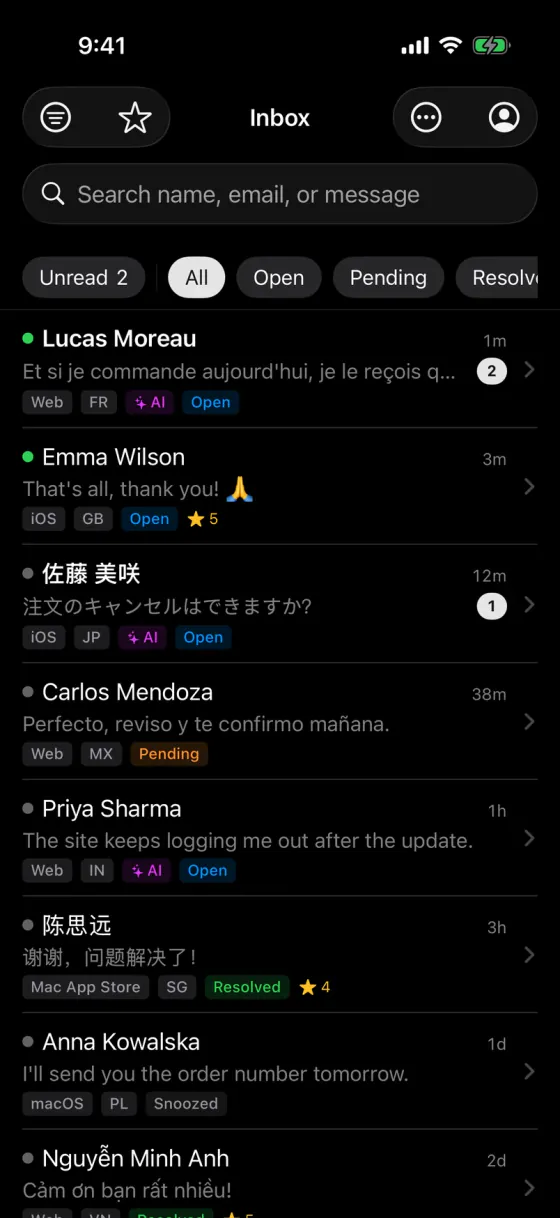
Your team inbox, AI replies and new-chat alerts, on your phone and computer.
App Store · Free
Google Play or APK · Free
DMG · macOS 13 or later · 6 MB
Installer · Windows 10 or later (64-bit) · 12 MB
On a Mac, open the DMG and drag AskAIs to Applications.If Windows SmartScreen appears, click More info, then Run anyway.
Sign in with your AskAIs accountNew to AskAIs? Create a free account
Sign in with the same AskAIs account on your phone, tablet or computer. It’s the same inbox everywhere.
On the App Store
Install it from the App Store. It updates like any other app.
On Google Play
Install it from Google Play. It updates like any other app.
Nothing to install
The full dashboard in any browser: inbox, AI, knowledge base and team stats.
Direct download
A universal app for Apple silicon and Intel Macs, signed with our Apple Developer ID and notarized by Apple.
On a Mac, open the DMG and drag AskAIs to Applications.
0c208ffdc6eaa865a2dd11e2b8316bc335649640bfb3187bbf6d31470a09c6e1After downloading, compare your file’s SHA-256 with this one to make sure it’s the file we published.
Direct download
A Windows installer, downloaded straight from our website. It installs just for you, with no administrator rights needed.
If Windows SmartScreen appears, click More info, then Run anyway.
bd84dce82e2db1417a0535e45cd2757c03ca2888586a3d0b81032011c7818ea2After downloading, compare your file’s SHA-256 with this one to make sure it’s the file we published.
Direct download
A signed APK, downloaded straight from our website.
If Android asks, allow installs from your browser.
9ca20859f4562a75c56b9b8e87cebd9d56f342712f14bbdbff75d77a3053cf72After downloading, compare your file’s SHA-256 with this one to make sure it’s the file we published.
It all happens on your phone, and you only allow installs once.
On your Android phone, download the APK from this page (62 MB).
When the download finishes, tap the file in your browser’s downloads or in the notification.
If Android asks, allow your browser to install apps, then tap Install. You only do this once.
Open AskAIs and sign in with your AskAIs account.
A push notification for every new chat, so no customer is left waiting.
Open any conversation, see what the AI already answered, and take it from there.
Hand a conversation to the right teammate.
Leave notes that only your team can see.
Flag conversations you need to come back to.
Yes. The AskAIs app for iPhone, iPad, Mac, Android and Windows is free to download, and it works on every plan, including Free.
Yes. Create a free account on the web first, then sign in to the app with it. If a teammate invited you, sign in with the account from your invitation.
Yes. We sign the APK ourselves, and you download it straight from our website over HTTPS. To make sure your file is the one we published, compare its SHA-256 checksum with the one on this page. If Android asks you to allow installs from your browser, that’s expected for apps that don’t come from an app store.
The easiest way is the Mac App Store, which also keeps the app up to date. To use the DMG from this page instead: Open the DMG you downloaded and drag AskAIs to your Applications folder. It runs on Macs with Apple silicon or Intel and needs macOS 13 or later. The app is signed with our Apple Developer ID and notarized by Apple. The first time you open it, macOS asks if you’re sure you want to open an app downloaded from the internet: click Open.
Our Windows installer isn’t code-signed yet, so the first time you run it, Microsoft Defender SmartScreen may show “Windows protected your PC”. Click More info, then Run anyway. The installer sets up AskAIs just for your Windows account, with no administrator rights needed. It needs Windows 10 or later (64-bit).
Yes. Install it from Google Play, or download the APK from this page.
On iPhone, iPad and Mac, the App Store updates it like any other app. If you installed it from Google Play, updates come through Google Play. For the Android APK, download the latest version from this page and install it over the one you have. The current version is 1.0.0. If you downloaded the Mac or Windows app from this page, download the latest version here and install it over the one you have.
Android 7.0 or later. The APK is 62 MB.
One agent, 100 AI replies a month and the iPhone, iPad, Mac, Android & Windows app. Free forever. Upgrade when your team grows.